


Tips on Invoices, Tab Payments, and More — April 15, 2026 Release
This week's update brings major new payment flexibility to SIXPAC — including tip options directly on invoices, the ability to use a customer's open tab as a payment method across your entire business, and new balance limits to keep tabs under control. Here's everything that's new.
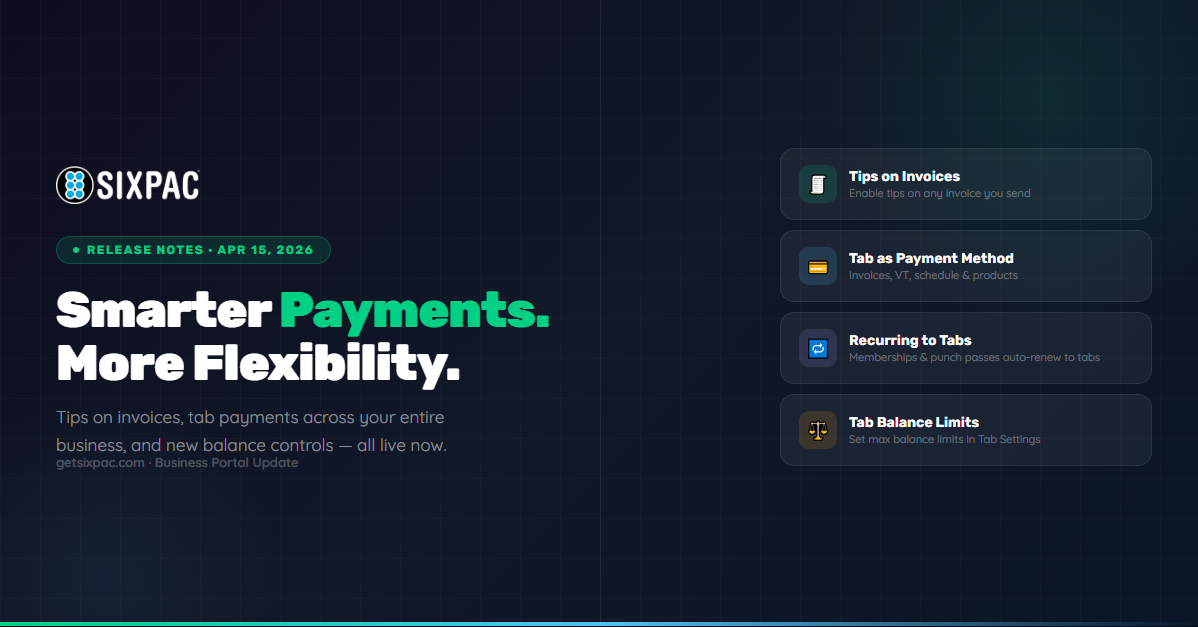
Tips on Invoices
Optionally collect tips when sending invoices to clients
Tab as Payment Method
Use open tabs across invoices, VT, schedule & products
Recurring to Tabs
Memberships & punch passes can renew directly to an open tab
Tab Balance Limits
Set optional maximum balance limits on customer tabs
Invoices
New tip support on customer-facing invoices
Tips on Invoices New
You can now collect tips directly on invoices — giving clients an easy way to show appreciation at checkout without any extra steps on your end.
- Tip option appears on invoice creation when tips are enabled in Settings
- Can be disabled on a per-invoice basis for full flexibility
Tabs
Use open tabs as a payment method across your entire business
Tab as a Payment Method New
Customers with an open tab can now use that tab as a payment method across multiple areas of your business — making it easier to let loyal clients run a running balance and pay later.
Available in:
- Invoices — both Customer View and Business View
- Virtual Terminal
- Schedule
- Customer must have an open tab at the time the tab payment method is used
Recurring Transactions on Tabs New
Punch passes and memberships can now be added to a customer's tab — meaning renewals will automatically charge to their open tab instead of requiring a separate payment each cycle.
- Punch passes and memberships renew to the tab if the tab remains open
- If the tab is closed at renewal time, the renewal will fail
- An email notification is sent to both the business and the customer if renewal fails
Classes, Events, Spaces & Services on Tabs New
Bookings made through the schedule can now be added to a customer's open tab as the payment method — perfect for regular clients who prefer to settle up at the end of the week or month.
- Select "Tab" as the payment method from the schedule when a customer has an open tab
- Applies to classes, events, spaces, and individual services
Products on Tabs via Virtual Terminal New
Products can now be added to a customer's tab directly from the Virtual Terminal using a new item selection modal.
- Select products from a modal in the Virtual Terminal
- Charges apply to the customer's open tab
Tab Balance Limits New
You can now set an optional maximum balance limit on customer tabs — giving you control over how much any single customer can accrue before payment is required.
- Optional — not required, but available for businesses that want it
- Configured in Tab Settings
- Prevents new charges once the limit is reached
Ready to Try These Features?
Log in to your SIXPAC dashboard to start using tips on invoices, tab payments, and the new balance limits — available right now.
Log In to SIXPAC →