


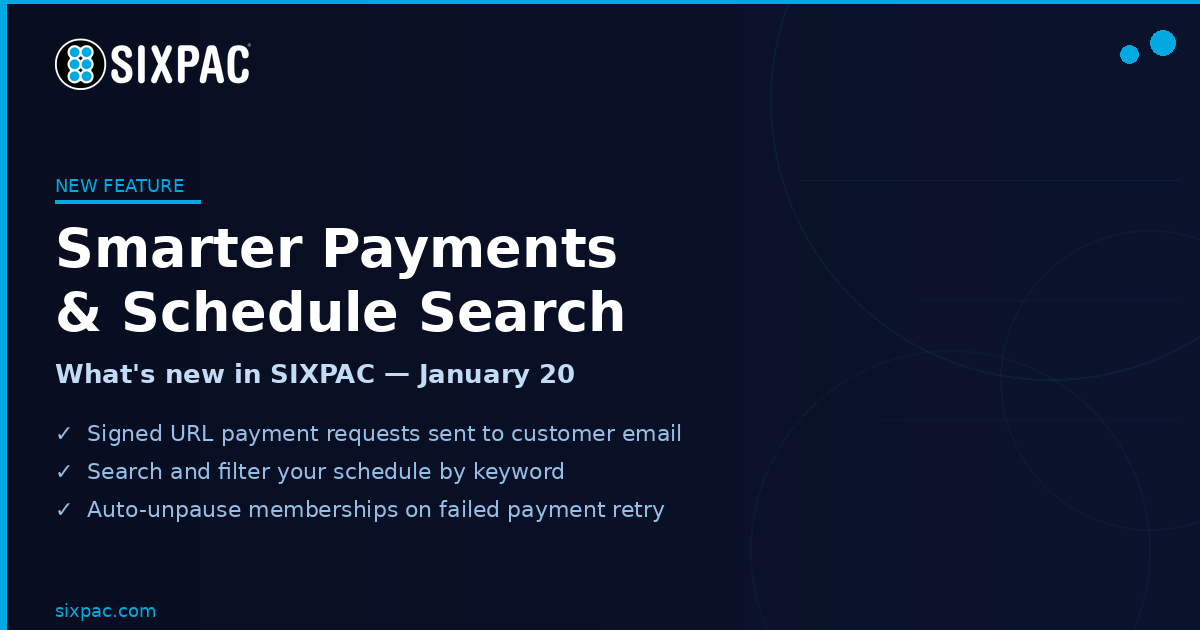
What’s New in SIXPAC — January 20, 2026
Another week of improvements built around the way real service businesses operate. Here’s everything that shipped this week.
💳 Request Payment Method — Now Even Smarter
The Request Payment Method feature just got a major upgrade. When a business sends a payment request link to a customer, the new signed URL flow now:
- Sends directly to the customer’s email on file
- Is one-time use and expires after a business-specified number of days
- Stores the customer’s payment method on file
- Assigns the membership automatically
- Takes the first payment if applicable — all in one seamless step
One link. One click. Customer is enrolled, payment method is saved, first charge is collected. No back and forth.
🔍 Schedule Search Bar
Finding the right person or event on a busy schedule just got a lot faster. A new Search Bar has been added to the Schedule, allowing you to quickly search for:
- Employees
- Events and Services
- Attendees
No more scrolling through a packed calendar to find what you need.
▶️ Automatic Membership Unpausing
Paused memberships now automatically unpause when the pause timer expires. No manual intervention needed — the membership resumes on schedule and billing picks back up automatically.
📋 Invoice & Tab Improvements
Several important fixes and additions to invoicing:
- Tabs: Fixed an issue where removing items would undo autopay settings
- Tabs: Fixed an issue where removing items prevented saving
- Tabs: Guardians can now be added as recipients on Tabs
- Invoices: Mark as Unpaid now removes associated transactions correctly and reflects properly in reporting
- Invoices: Customers can now partially pay an invoice
📊 Reporting Upgrades
Several reporting improvements across the platform:
- Order Report: New Payment Method Filter to sort transactions by how they were paid
- Sales Report: Updated to correctly match the dashboard values
- Detailed Sales Report: Added totals column to every table section; report is now fully exportable as a multi-sheet file
- Recurring Report: Fixed Punch Pass table so clicking a customer name correctly redirects to their account
🕐 Additional Updates
- Pending Transactions now shown in yellow on customer profiles (conditional)
- Refund status added to orders with UI improvements
- Customer names are now clickable throughout the platform
- Technology fee hidden across receipts, reports, and shopping cart when fee is zero
- Fixed percentage-based technology fee calculation on Paylinks and Forms
- Invoice icon color updated to match the rest of the UI
- Prevention added for double submission on membership assignment page
Every update this week came directly from businesses using SIXPAC every day. Keep the feedback coming — we’re always listening.
Log in to SIXPAC to see everything new, or book a demo if you want a guided walkthrough.