


What’s New in SIXPAC — January 12, 2026
Another week, another round of improvements built directly from your feedback. Here’s everything we shipped this week.
🔄 Automatic Recurring Payment Retries
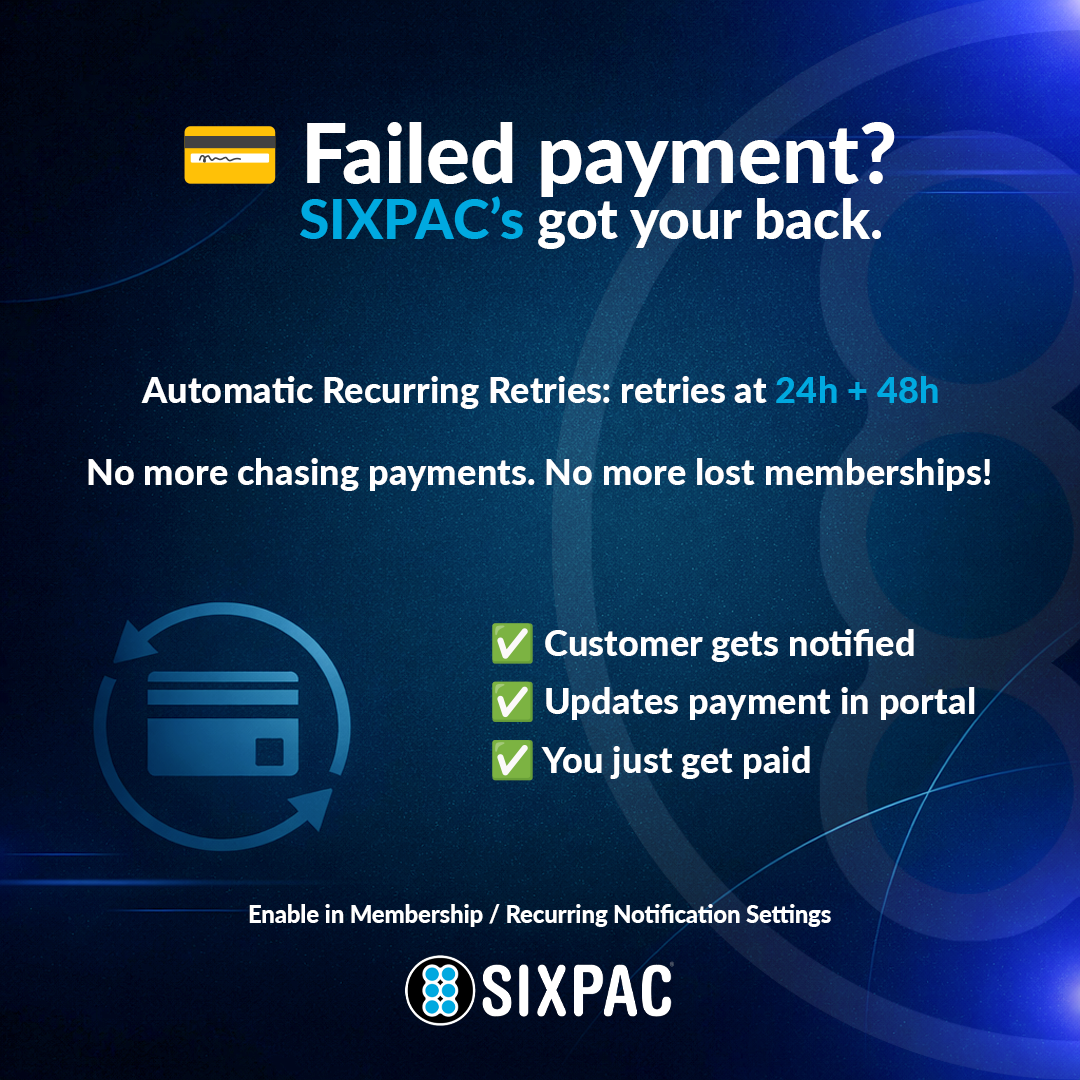
Failed membership payments no longer mean lost revenue. SIXPAC now automatically retries failed recurring payments — once at 24 hours and again at 48 hours after the initial failure.
- Your customer receives an email with a link to update their payment method from their consumer portal
- The portal shows the upcoming retry date and time
- After 3 failed attempts, retries stop until the customer updates their payment method — at which point the 3-try logic restarts
- You receive email notifications on failed renewals throughout the process
How to enable: Go to Membership/Recurring Notification Settings — this feature is opt-in and disabled by default.
🧾 Recurring Transaction Receipts
Customers now get an automatic receipt every time a recurring payment processes successfully — whether it’s a membership, punch pass, or registration fee. Manual recharges send a receipt too.
Fewer “did my payment go through?” messages. More trust. Enable it in your Recurring Notification Settings.
💳 Request Payment Method from Customer
Need a card on file for a customer but don’t want them to have to log in? Now you can send them a secure payment request link directly from their profile.
- Link expires after 24 hours or one use — whichever comes first
- Customer can add a card or ACH without logging into your portal
- Links directly to their account on file
- Accessible from the same place you’d normally store a payment method on a customer profile
👥 Merge Duplicate Customer Accounts
Duplicate profiles are a thing of the past. SIXPAC now lets you merge duplicate customer accounts in just a few clicks.
- All transaction history, punch passes, recurring plans, tabs, orders, and invoices transfer to the primary account
- A full preview shows you exactly what will be moved before you confirm
- Clean data, one profile, no lost history
📊 Dashboard & Analytics Upgrades
Your dashboard just got a lot more accurate and useful:
- Revenue values now display cents — no more rounding
- Declined transactions excluded from daily and monthly volume totals
- Recent Transactions only shows approved and paid transactions
- Monthly Sales now includes a year dropdown going back as far as your business has processed
⚡ Quick Add Buttons Across the Platform
We added one-click Quick Add buttons throughout SIXPAC so you spend less time navigating menus:
- ➕ Add Service
- ➕ Add Class or Event
- ➕ Add Product
- ➕ Add Space
Small change. Big time saver.
📄 Save Payment Method on Invoices
Customers can now save their payment method directly from an invoice — no recurring plan required. They opt in, you have their card or ACH on file for future charges.
🕐 Additional Updates
- Spaces now support age restriction flexibility
- Customer import and export templates updated and enhanced
- Family profile icons updated to better represent payment methods
- Password reset emails now show expiry in hours instead of minutes
- Technology fee verbiage suppressed on refunds where no tech fee applies
- Class and Event actions dropdown now includes publish and unpublish options
Every one of these updates came from real feedback from real businesses. Keep it coming — we’re always listening.
Log in to SIXPAC to explore what’s new, or book a demo to see it all in action.