


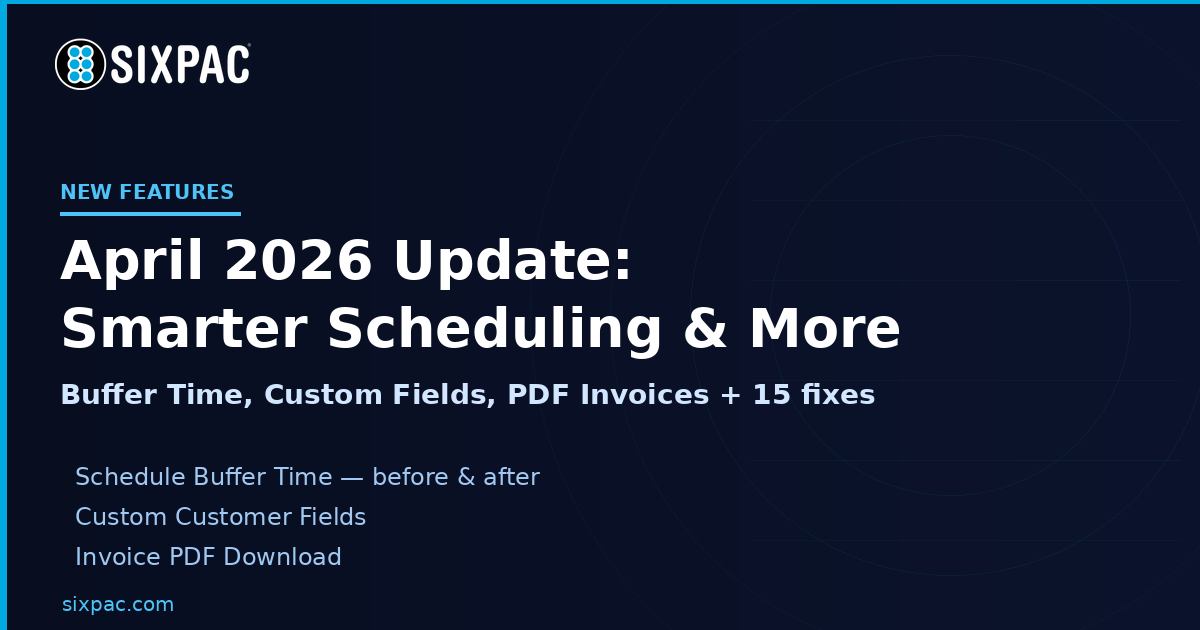
The April 8, 2026 SIXPAC update is here — and it’s a meaningful one. This release adds buffer time to your schedule, unlocks custom fields for customer profiles, brings PDF downloads to invoices, and ships a batch of fixes that make day-to-day operations smoother.
⏱️ Schedule Buffer Time
You can now add buffer time before and after any event, class, service, or space — on a per-item basis. Think of it as built-in breathing room: time to clean up after a haircut, reset a room between yoga classes, or prep before a service call. Set it up in your event/service settings and SIXPAC handles the rest automatically.
You can also block a specific employee on the fly using the new Time Blocks feature directly in the schedule view.
📋 Custom Fields for Customer Profiles
Every business collects slightly different information. Custom Fields let you define what extra data you need — dietary restrictions, emergency contacts, waiver info, whatever fits your workflow — and have customers fill it in right on their profile after their address and guardian info.
Enable it in Settings > Customer Settings. You can make fields optional or required. If set to required, every customer account (new and existing) will need to complete them when their profile is edited. A context warning shows to keep the experience clear.
📄 Invoice PDF Download
Invoices can now be downloaded as a PDF directly from SIXPAC. Whether you’re sharing with a client, filing for your records, or sending to an accountant, the option is right there on the invoice — no screenshots or copy-paste needed.
🧾 Default Tax Settings
Set a default tax rate that auto-applies across virtual terminals, tabs, and invoices. No more manually selecting tax on every transaction. And if you update your shipping state, SIXPAC will automatically update the applicable tax as well — keeping everything accurate without extra steps.
🔧 Bug Fixes & Performance Updates
- MyStore Events/Classes: Fixed bug where cancelled spots blocked new signups. Fixed bug preventing re-booking after cancelling the same event.
- Fortis Error Codes: Payment errors now show plain-language descriptions (1500 = Declined, etc.)
- Emails: Fixed abandoned cart email delivery bug
- Paylinks: Fixed undefined seller name — now shows Paylink name. Status shows “Paid” instead of “Approved.”
- Cancellation Fees: Now accept decimal values (e.g., 7.50%)
- Customers Index: Conditional column now appears when Custom Fields are enabled
- Customers: Inline editing and accordion for custom data fields
- Virtual Terminal: Faster speeds. Can now book a service or event without scheduling it.
- Spaces: Fixed conflict with cancellations and rescheduling
- Reports: Multiple optimizations and fixes (Order, Recurring, Attendance)
- Edit Profile: Fixed Invalid JSON error on address
- Memberships/Family: Fixed memberships showing as inactive/expired when checking in as a family member
- Invoices: Fixed scheduling issues
- Multi Service Booking: Many bug fixes
- Page Load: Optimizations across multiple pages
Log in to SIXPAC to explore everything new.